Custom items & locations
Add items and locations from a new patch as soon as they appear in game, before they exist in the database.
BDO Barter Tools
New patches bring new items and locations before the database catches up. Create them as custom entries, keep using them in your barter, then link them to official data when it lands. Free tool, made by a BDO player for players.
Add items and locations from a new patch as soon as they appear in game, before they exist in the database.
Use your custom entries in your routes and plans immediately — nothing waits for the database to catch up.
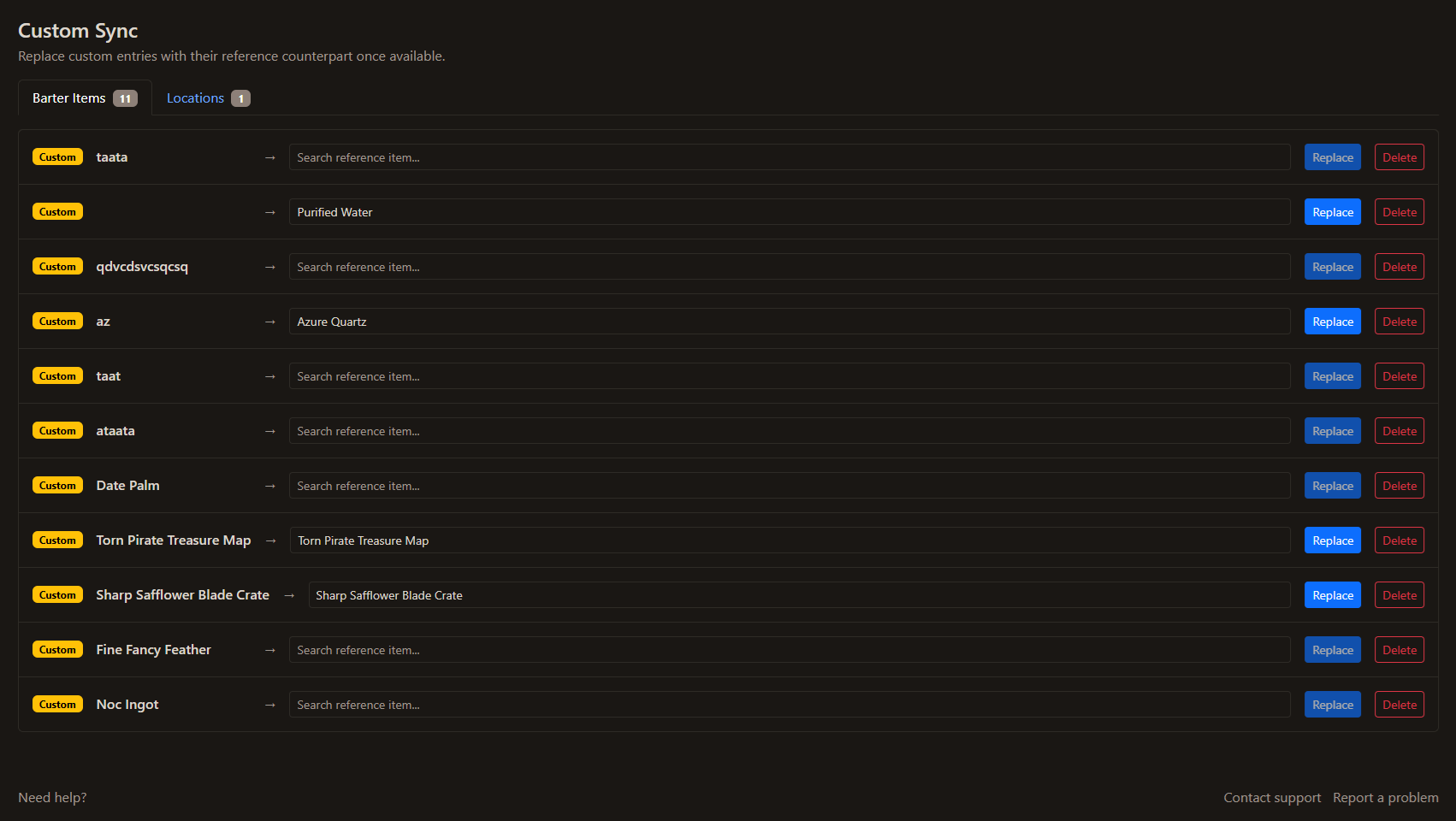
When the database catches up with the patch, match your custom entries to the official items and locations.
Swap a custom entry for its official version or delete it, keeping your barter data tidy over time.
The Custom Sync page keeps your barter data aligned with the game: create the missing entries, work with them, then reconcile them with official data when it arrives.
Tools For Games helps you prepare a plan to follow yourself. It does not automate BDO gameplay or control the game client.