BDO Barter Tools

Keep your Barter inventory up to date

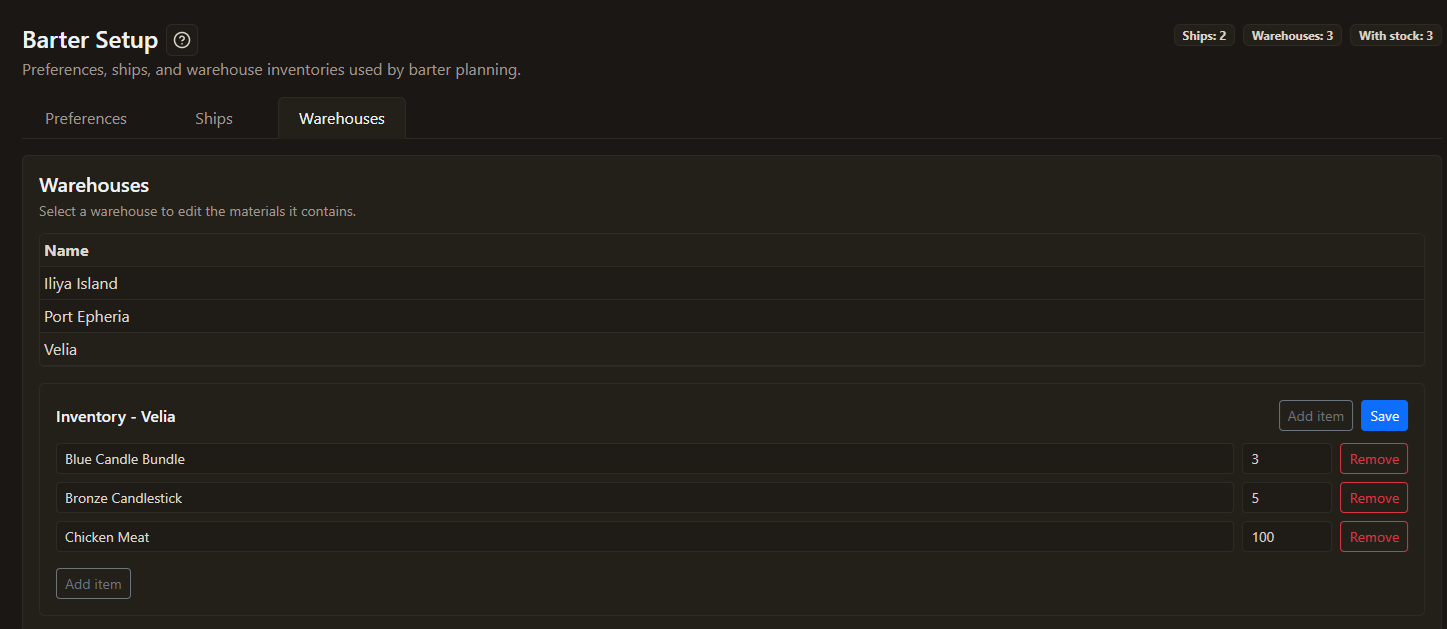
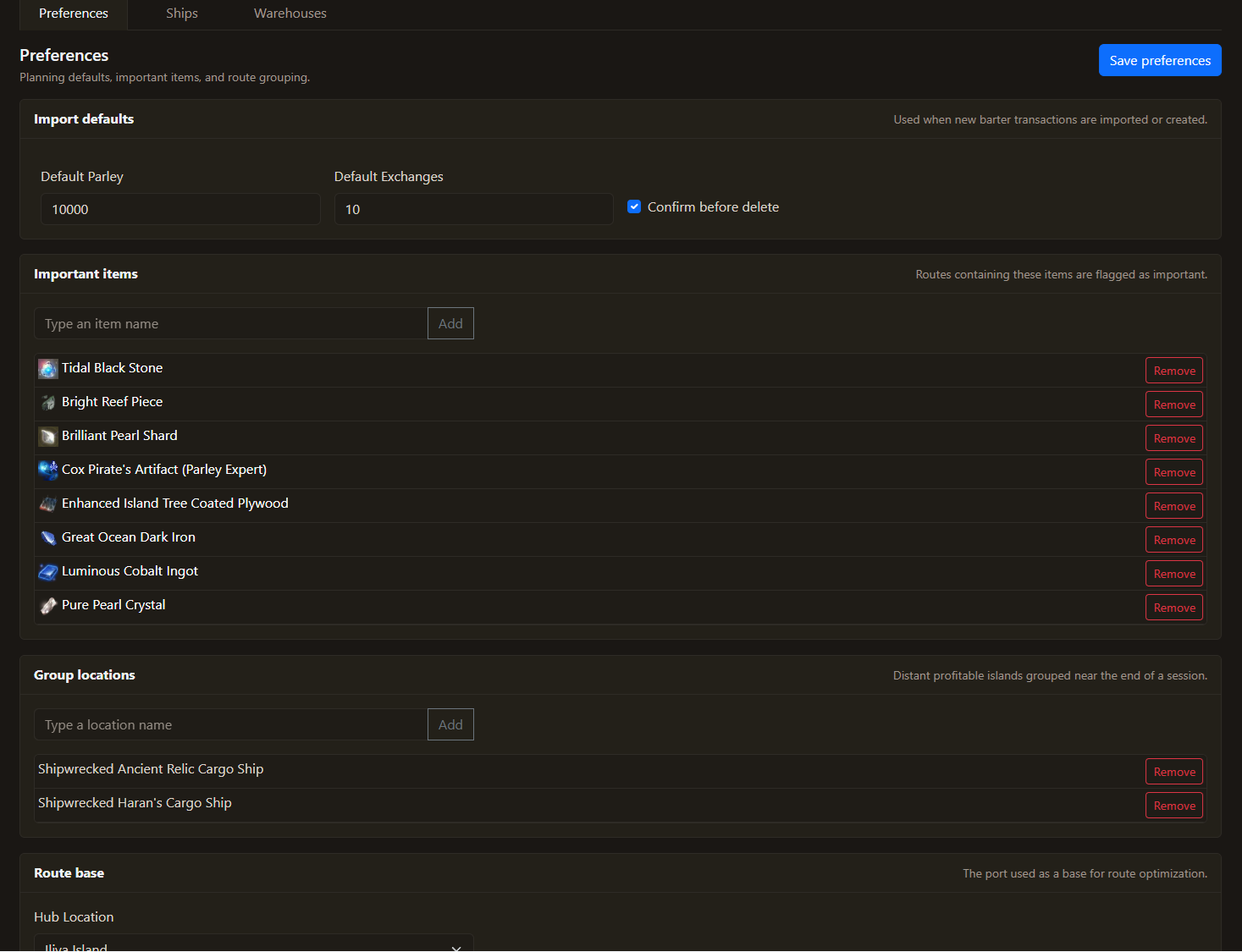
Set up your fleet and Warehouse inventory, export a reusable CSV, or import a complete inventory or selected changes with a clear preview before applying them.

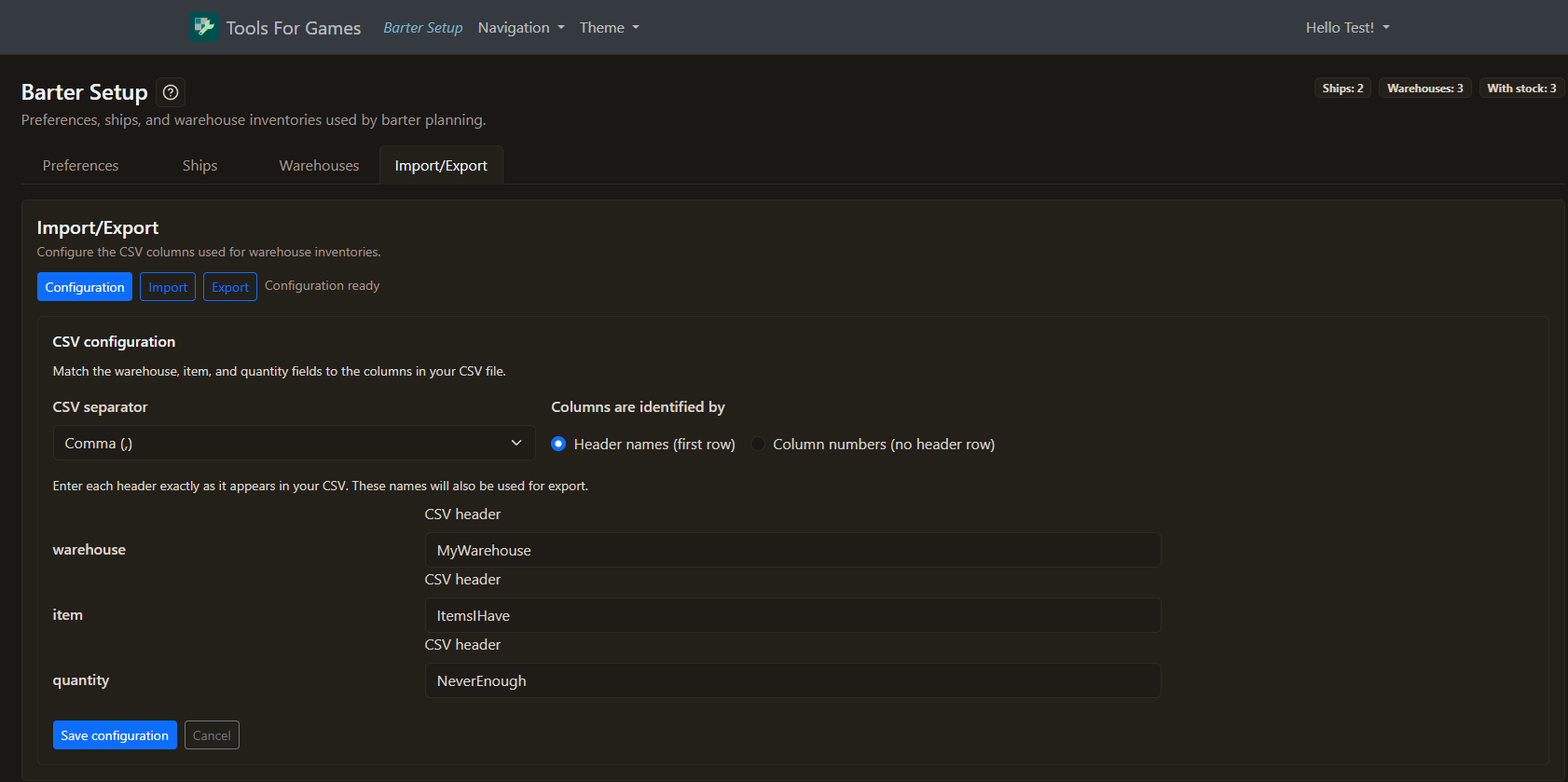
Use the CSV format you already have

Choose your separator and tell us where to find the warehouse, item, and quantity columns. Import and export use the same layout, so moving inventory data in and out stays seamless.

Export your Warehouse inventory

Download a reusable CSV of your current Warehouse items whenever you want to keep a backup or update stock outside the planner.

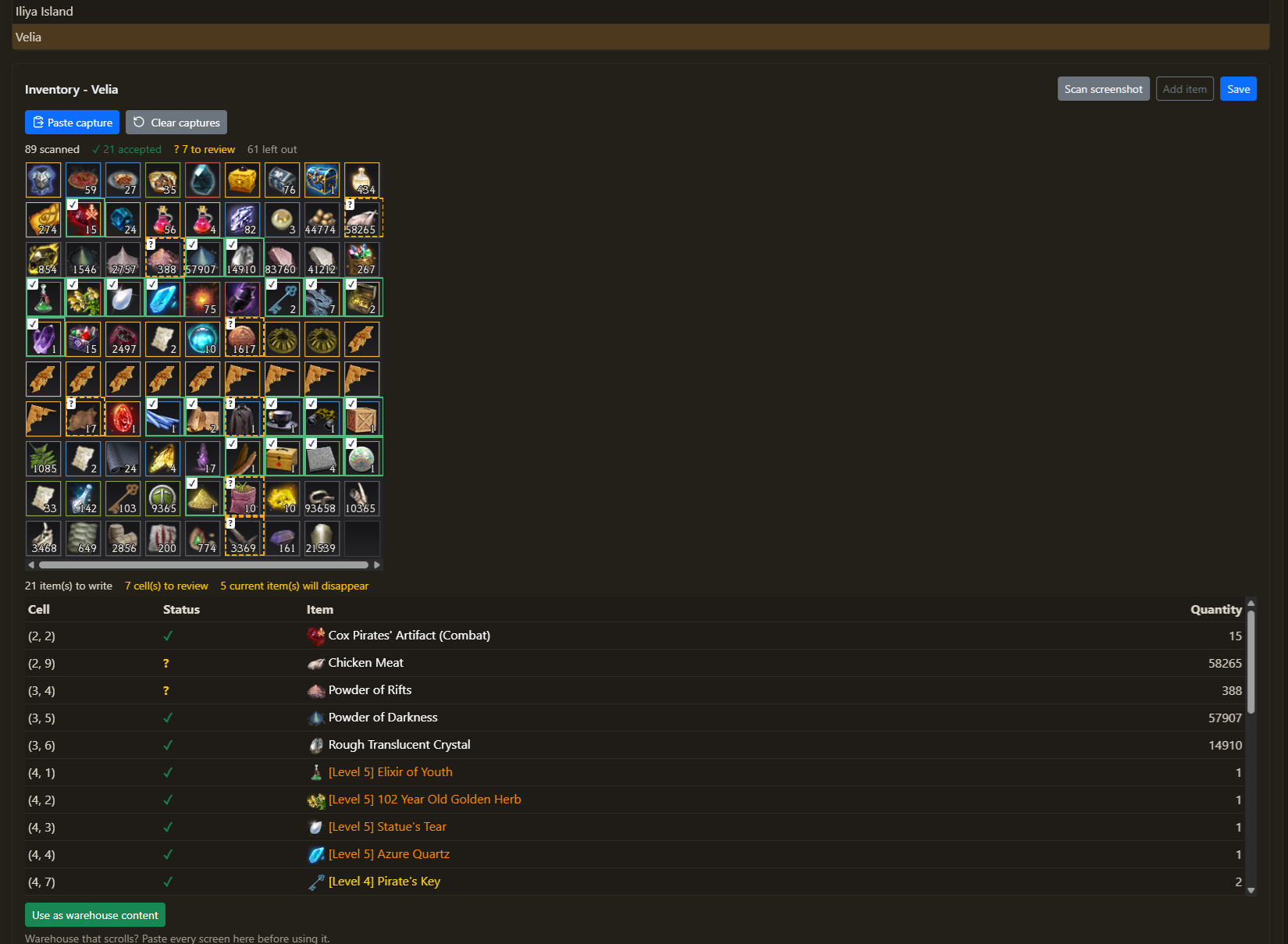
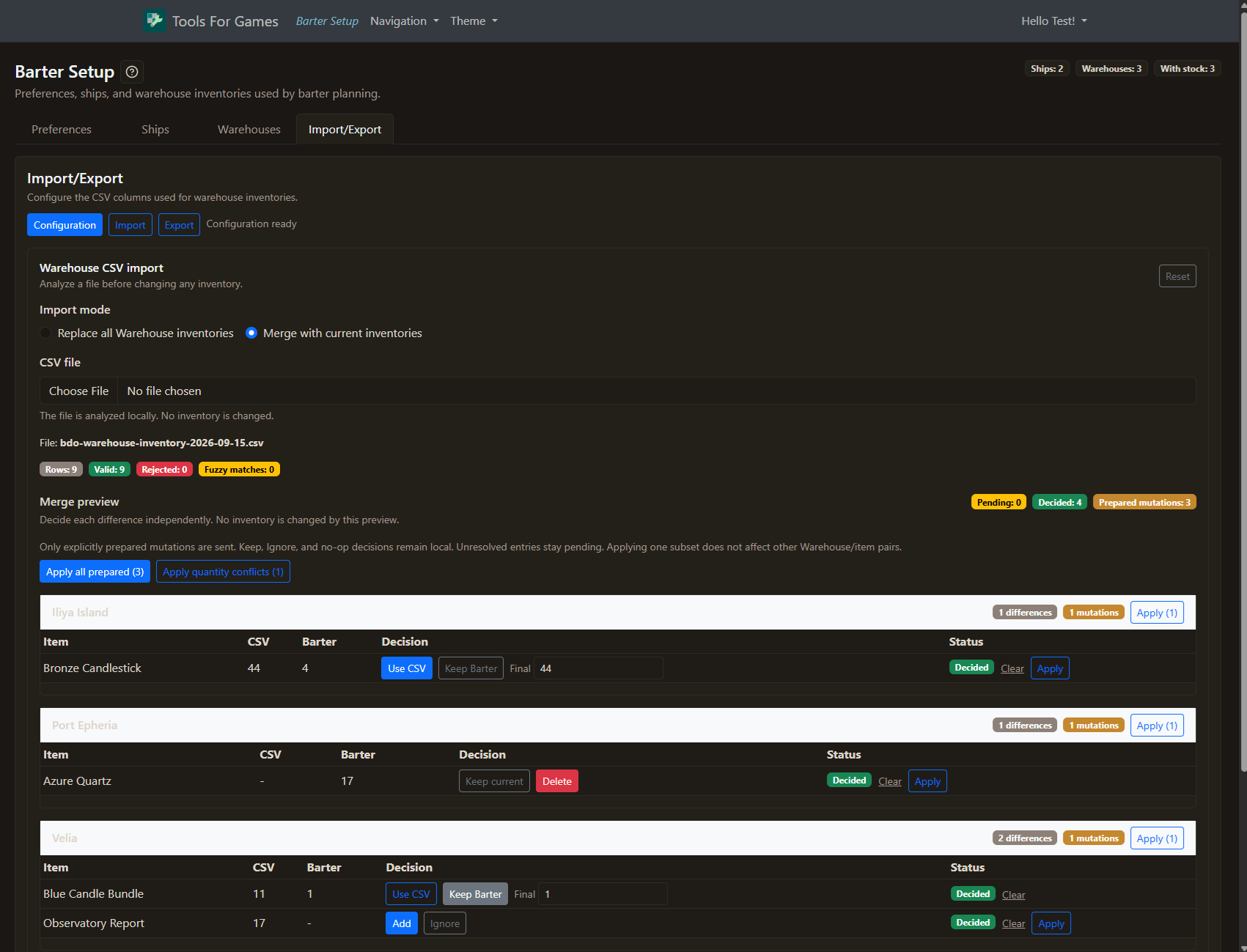
Review every inventory change

Replace shows the full future inventory before applying it. Merge lets you resolve only the differences you choose, while untouched stock stays intact.

From CSV to planning-ready inventory

Keep your Warehouse stock aligned with the materials you actually have. Export your current inventory, prepare a file in your preferred layout, then import it with a preview that makes every change visible.

  • Flexible CSV columns: Headers or numbered positions, with your chosen separator.
  • Full Replace with preview: Review the resulting Warehouse inventory before confirming it.
  • Selective Merge: Choose how to handle each conflict, addition, or removal.
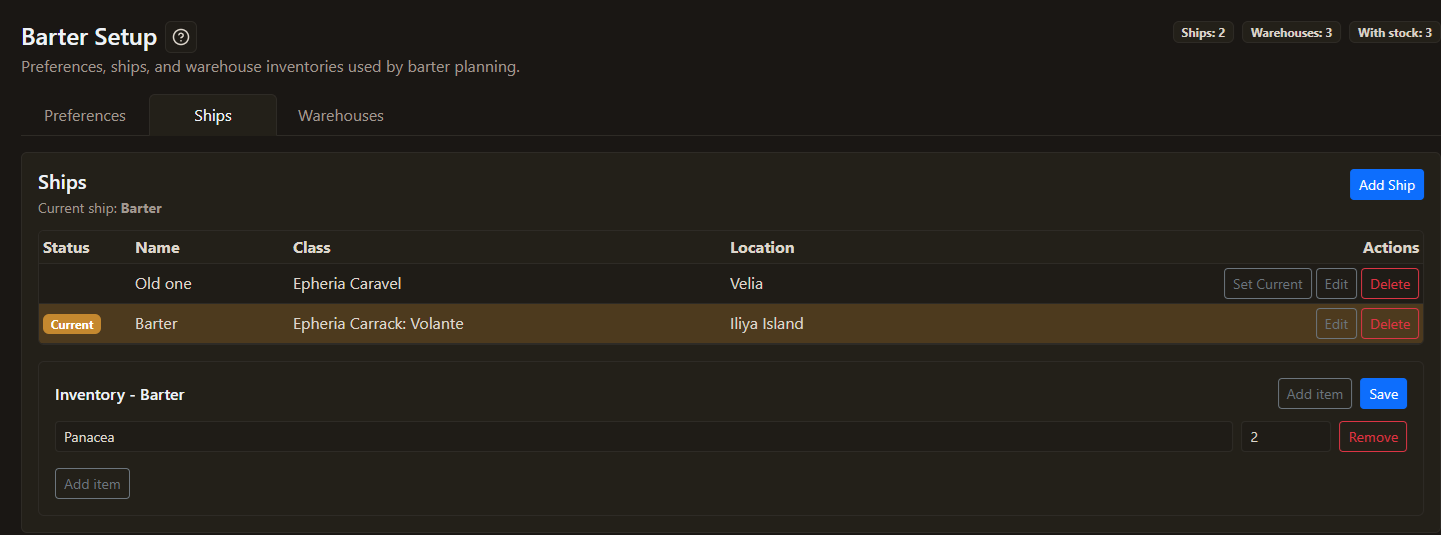
BDO barter setup ship inventory screenshot
Ship inventory
BDO barter setup ship inventory screenshot