BDO Barter Tools

Find the material barter you need

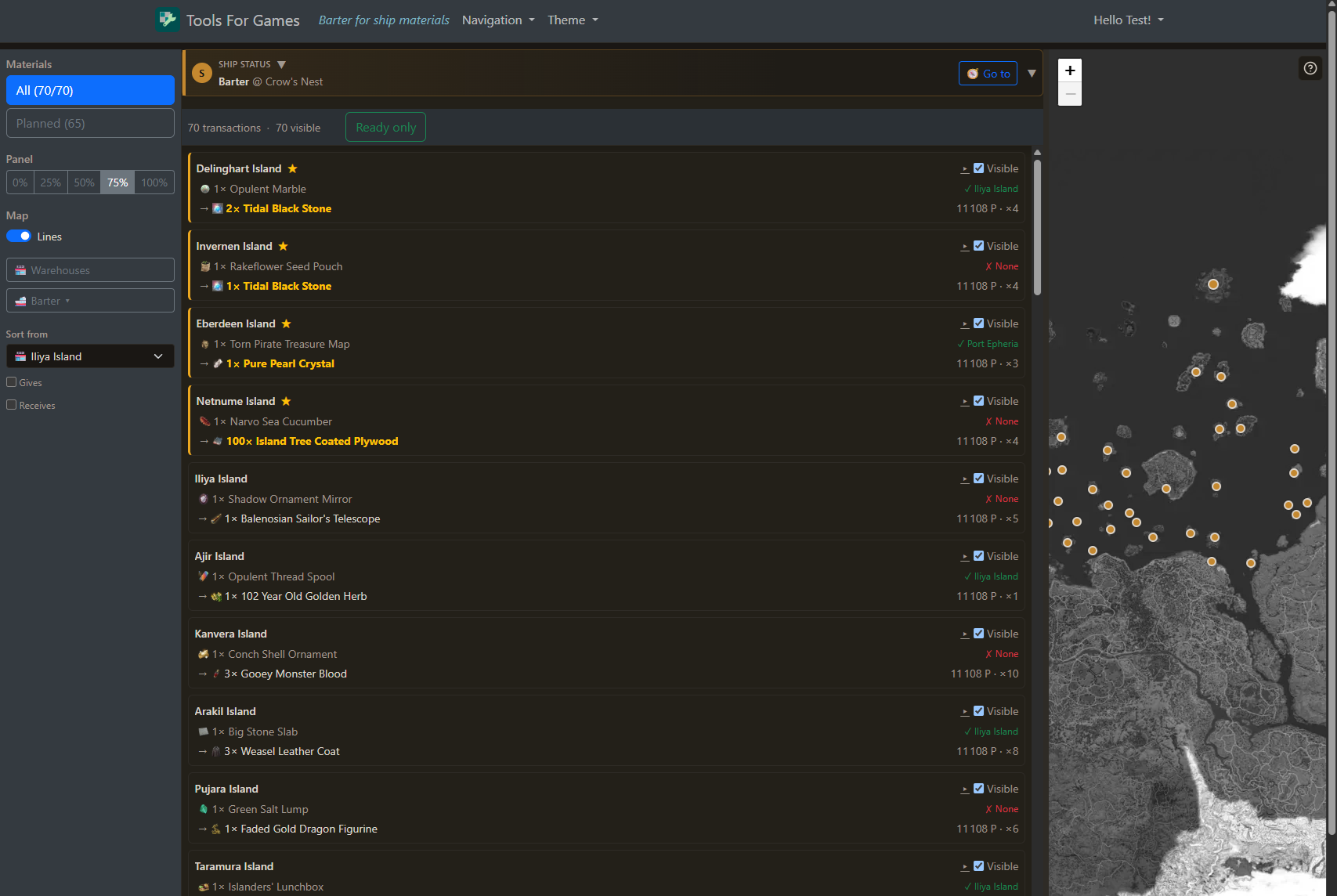
Every barter of your session, sorted by distance, so the nearest one for the item you want is always on top. Check your ship and warehouse stock, add the barter to your plan in one click, or pick a warehouse and let the planner build the trip.

Nearest barter first

Sort from your ship and the list follows it as the plan moves it, or sort from a warehouse for a round trip. Filter by the item you give or receive.
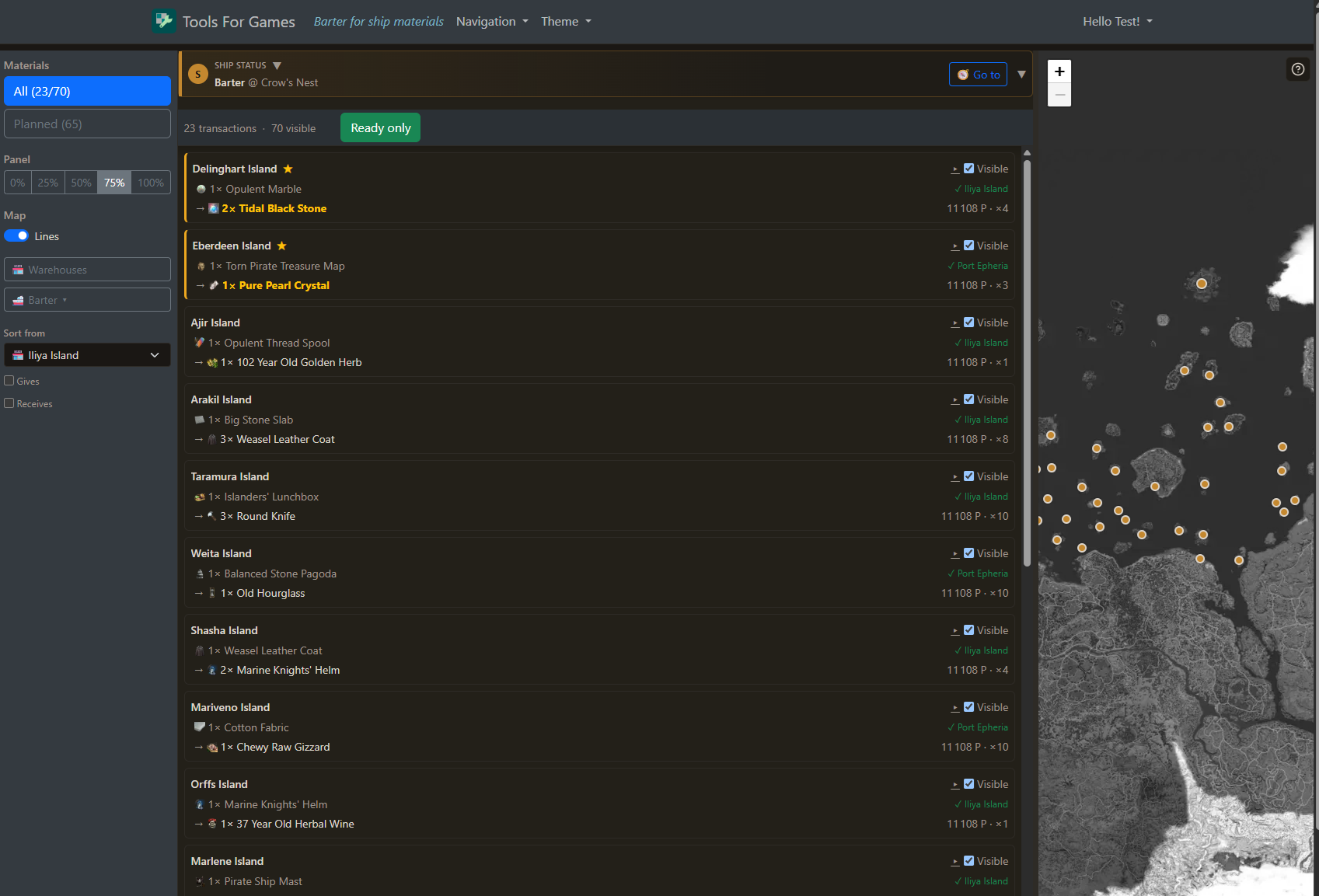
Stock you can trust

Each card shows whether the required item is on your ship or in a warehouse. Ready only keeps the barters you can actually do right now.

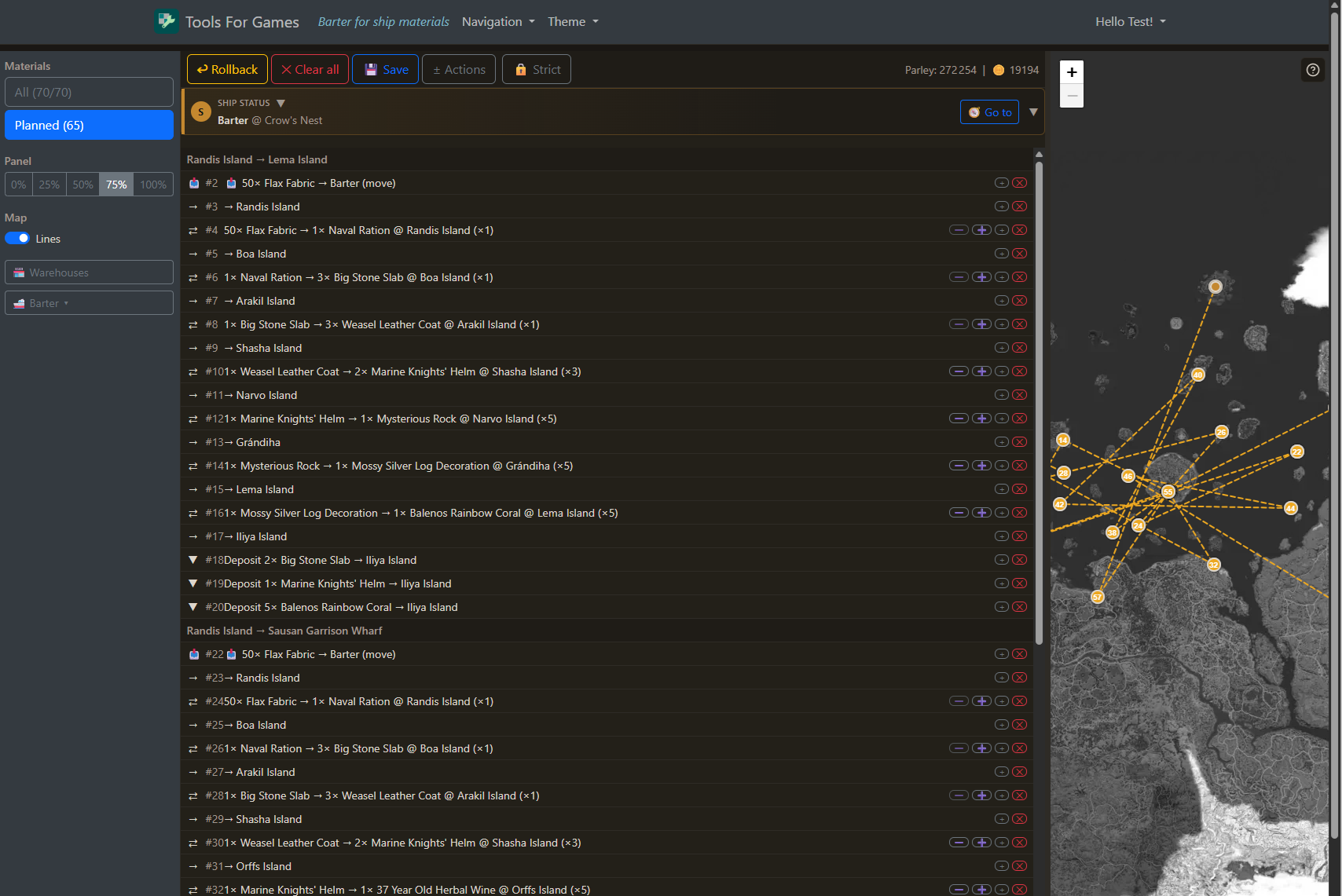
Warehouse trips built for you

Pick a warehouse, enter the exchanges you want, and the planner orders the trip, plans the withdrawal and checks Parley, weight and slots.

Fix a forgotten load

Forgot to load an item? Missed load inserts it in your last warehouse visit and replays the plan, instead of making you start over.

Material decisions with map context

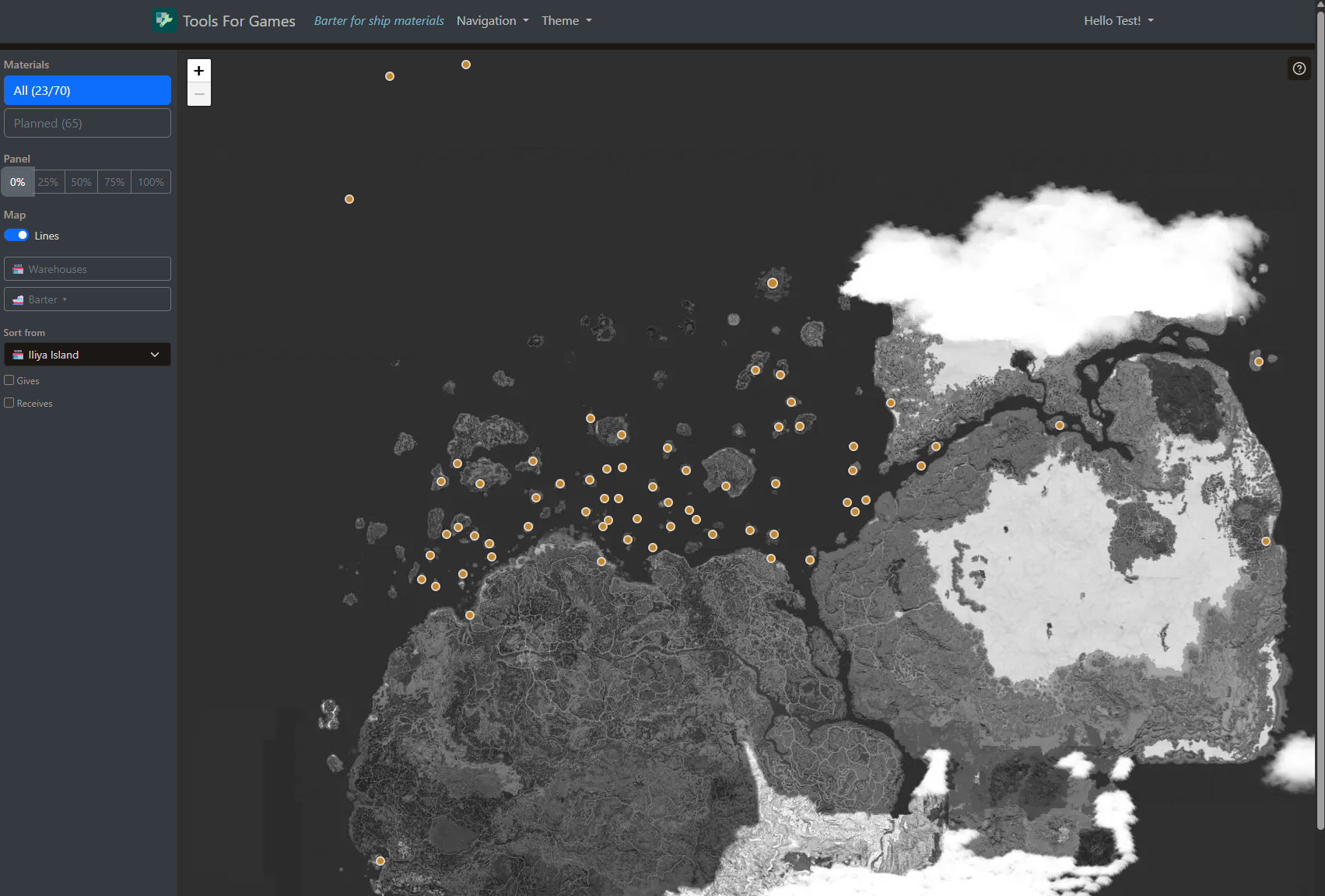
The Material page keeps the barter list, ship position, warehouses and planned route in one work surface, so you can decide quickly without losing the geography of the trip.

  • Plan: adds a barter through a discovered route, prerequisite steps included.
  • Auto: picks a warehouse with the required items and plans the withdrawal and the trip.
  • Warehouse plan: several barters from one warehouse in a single trip.
  • Planner checks: Parley, items, weight and cargo space, before you sail.
  • Your game language: English, French, Spanish or German names.
  • Help on the page: tooltips on every action, with a detailed mode for your first sessions.

Tools For Games helps you prepare a plan to follow yourself. It does not automate BDO gameplay or control the game client.
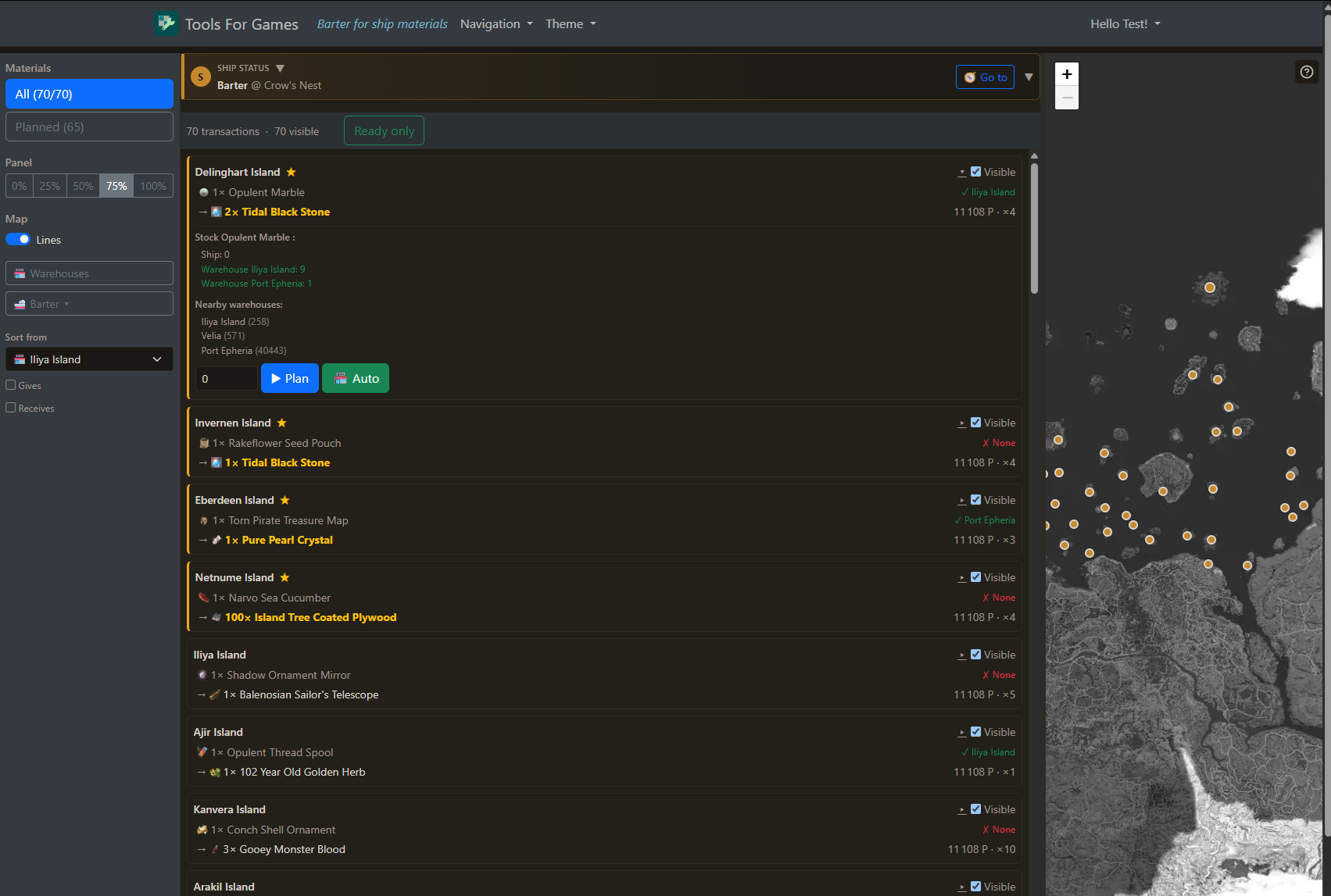
BDO barter material transaction detail screenshot
Material transaction detail
BDO barter material transaction detail screenshot
BDO barter demo video