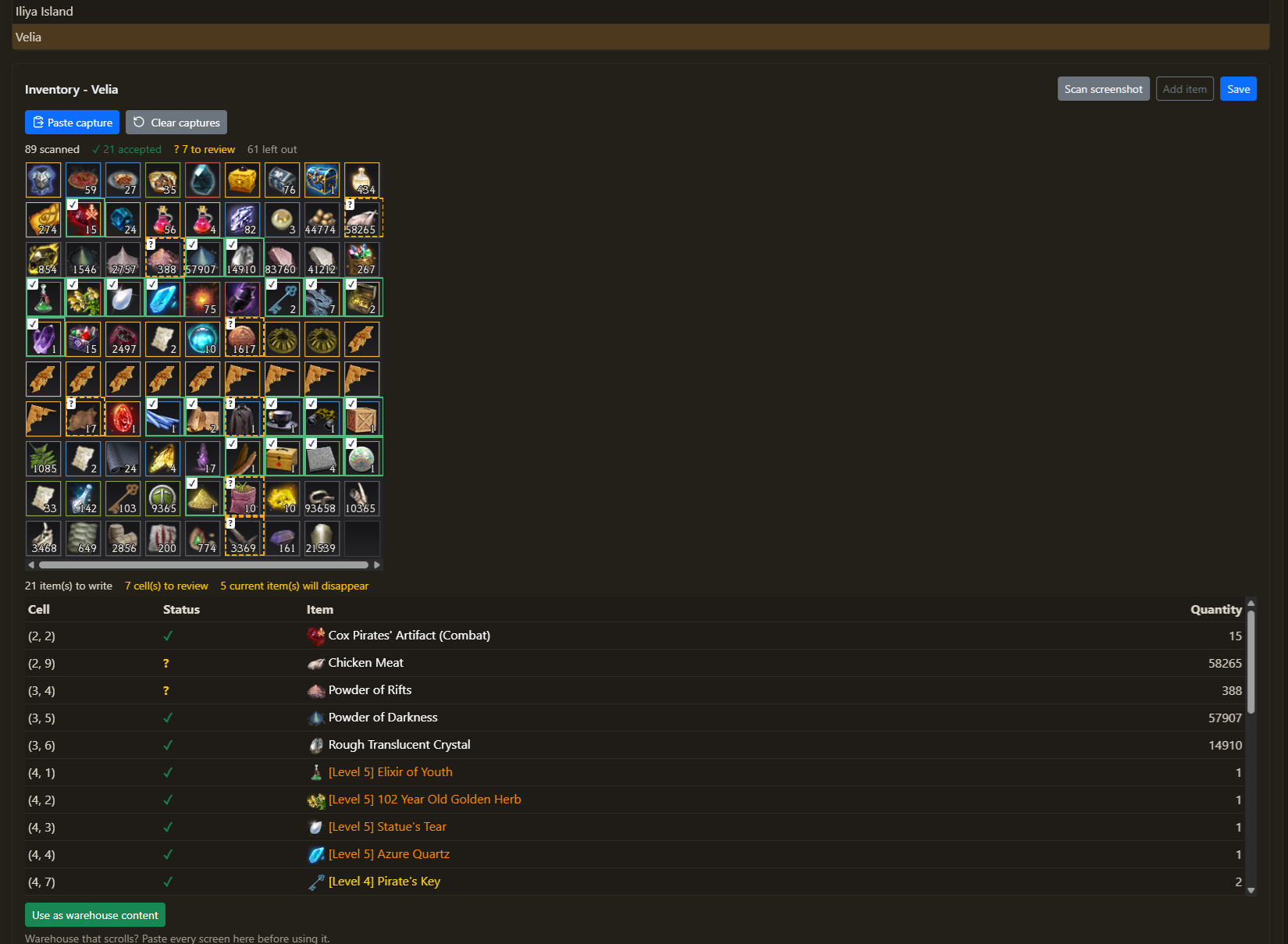
Screenshot scan
Crop a warehouse screenshot to the item grid and paste it. Warehouse that scrolls? Paste one capture per screen: they add up. Doubtful cells are marked for you to check, and nothing is saved until you say so.
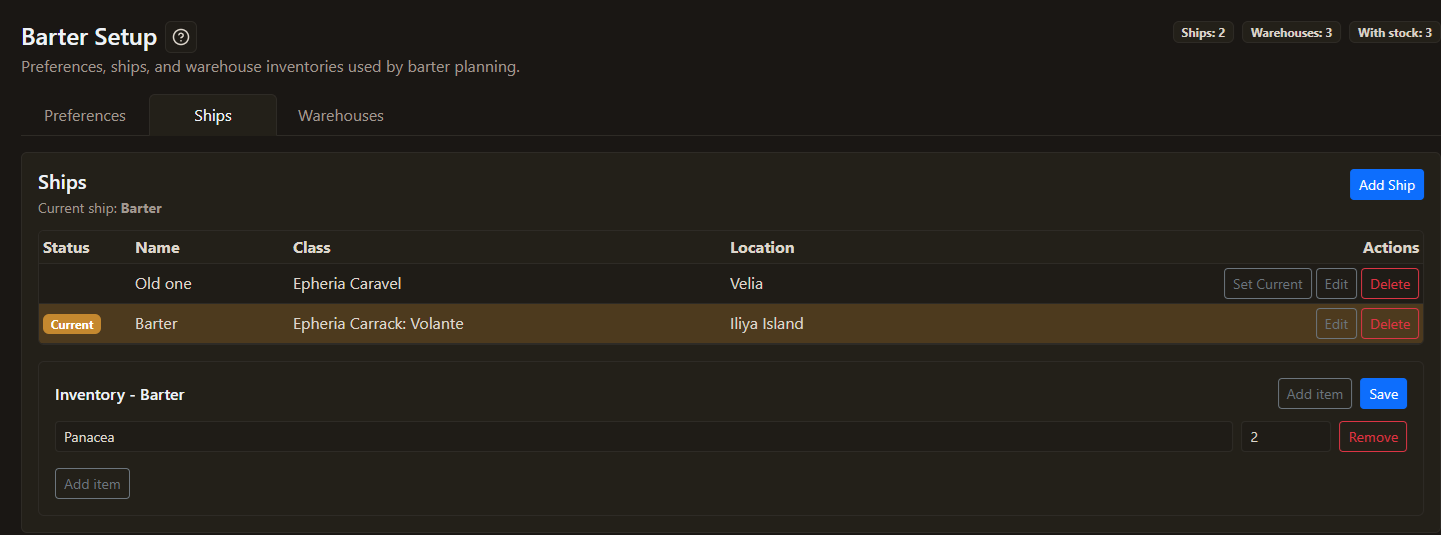
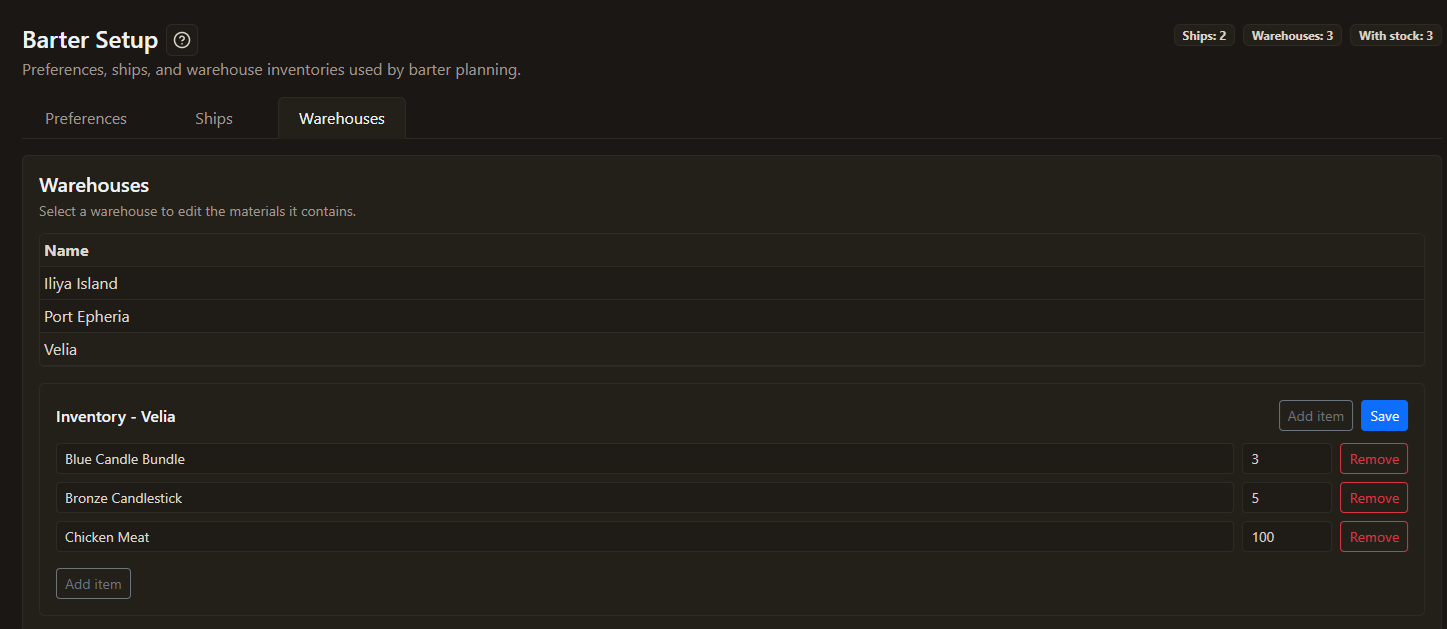
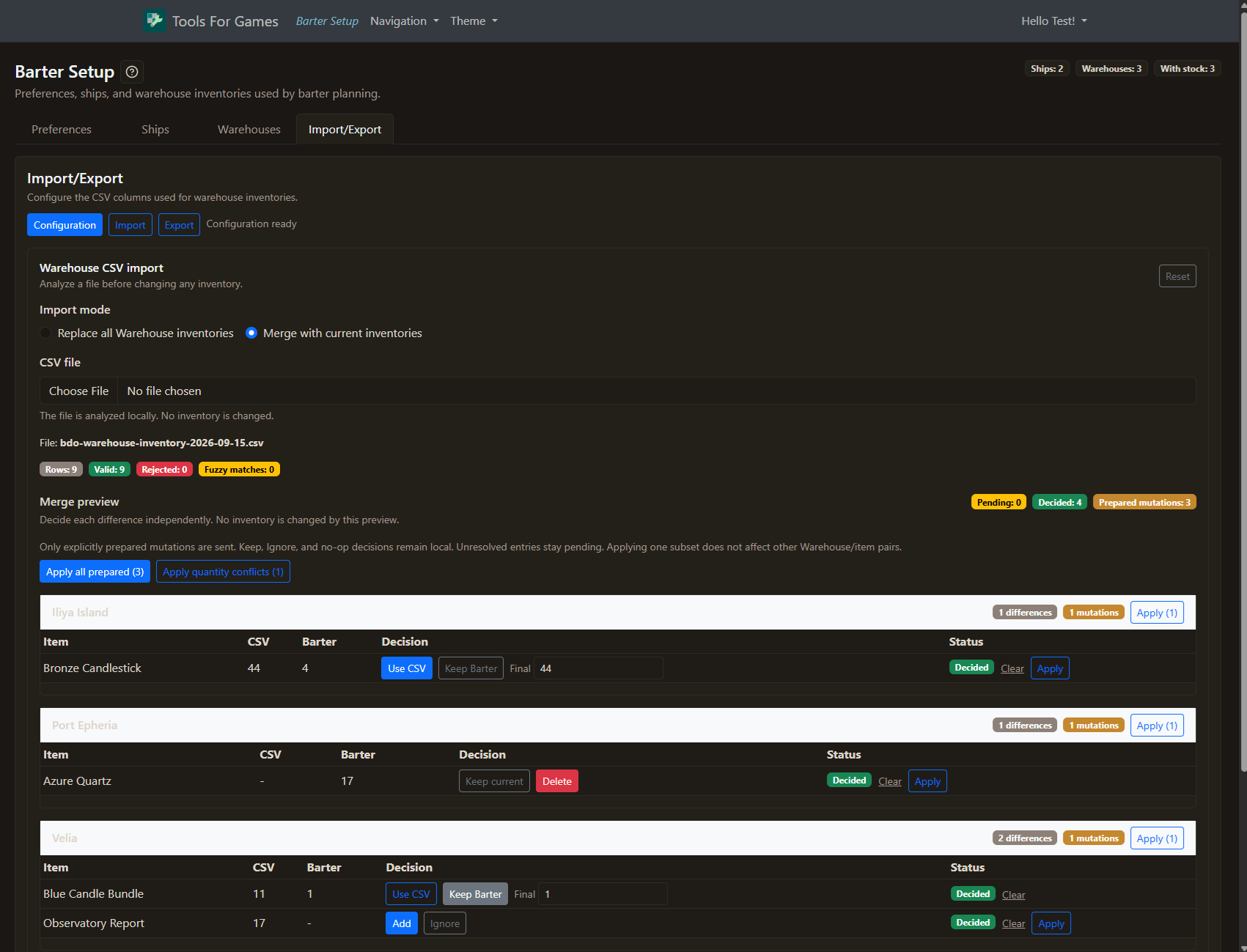
Register your ships, pick the one you sail, and bring your warehouses in line with the game. After that, barters run through the Execute page keep your inventories up to date: no need to come back here after each session.
Tools For Games helps you prepare a plan to follow yourself. It does not automate BDO gameplay or control the game client.